
Convert Your Sensitivity, Keep Your Aim
Switching DPI, mouse or game? Enter the setup you use now and the one you are moving to, and this converter matches your sensitivity across — same mouse movement, same turn.
Sensitivity Calculator
Your eDPI, an exact sensitivity match for a new mouse DPI, and your effective aim speed at every magnification.
Result
Effective speed per scope
Formula
eDPI     = DPI × sensitivity
matched  = eDPI ÷ new DPI
ADS eDPI = eDPI × ADS multiplier
ratio    = vertical ÷ horizontal
Example: 800 DPI at 12 sensitivity is 9,600 eDPI. Dropping to 400 DPI needs 24 sensitivity to feel identical.
No per-game turn constants live in this tool, so it cannot convert between titles — every figure is a product or ratio of values you read off your own settings screen.
//- 01 - HOW IT WORKS
HOW IT WORKS
- Enter your current setup. Type in the DPI and in-game sensitivity you play on today — the combination your hands already know.
- Enter the new setup. Add the new DPI you want to run, or the game and settings you are moving to, depending on what has changed.
- Copy the converted numbers across. The tool scales your sensitivity so your effective sensitivity stays the same: the physical distance you move the mouse produces the same turn in game as it did before the change.
//- 02 - TIPS
TIPS
- Think in eDPI, not raw sensitivity. Your effective DPI — mouse DPI multiplied by in-game sensitivity — is the number that actually describes your aim. Two setups with the same eDPI will feel far more alike than two setups that merely share a sensitivity value.
- Change one thing at a time. Convert first, then play the new setting as it comes out. If you also change your DPI, grip and sensitivity in the same week, you will never know which change did what.
- Check your scoped aim separately. Siege has its own ADS sensitivity settings on top of your base sensitivity. A converted base value gets your hip-fire feel back; spend a few rounds checking that aiming down sights feels right too, and adjust that separately if it does not.
- Give it a fair trial. A converted setting can still feel strange for the first session or two simply because it is new. Judge it after several full sessions, not after one bad match.
//- 03 - WHEN TO USE THIS CONVERTER
WHEN TO USE THIS CONVERTER
Run it the day a new mouse lands on your desk, before your first match on it, so the new hardware starts from your old feel instead of from a factory default. Run it when you deliberately want to try a different DPI — plenty of players drop to a lower DPI for control and need their in-game value raised to compensate. It is also the tool for carrying your aim between games: Siege today, another shooter at the weekend, same physical movement for the same turn. And if you play on two machines, converting once and matching both setups stops your hands having to learn the same game twice.
//- 04 - A WORKED EXAMPLE
A WORKED EXAMPLE
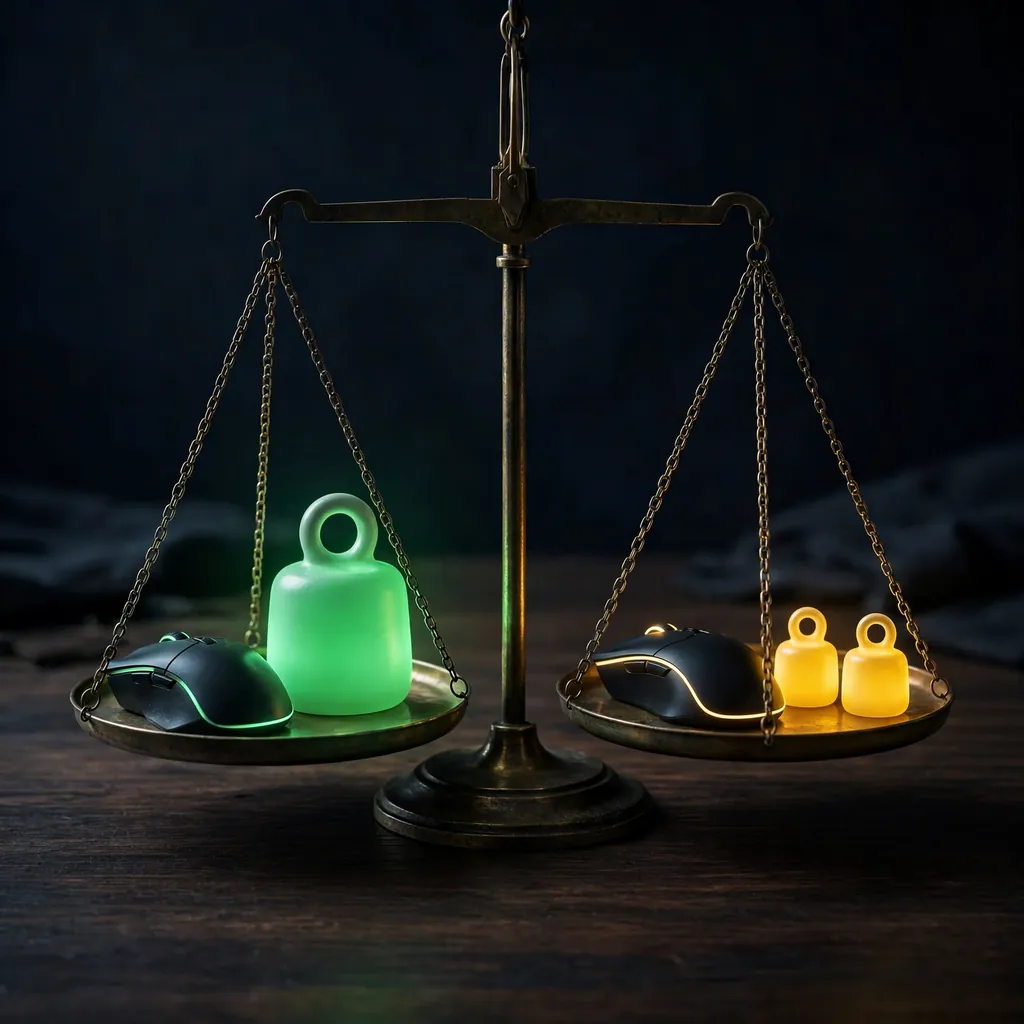
Example (illustrative). You currently play at 800 DPI with an in-game sensitivity of 10. Multiply them and your eDPI is 8,000 — the number that actually describes your aim. Your new mouse feels better at 1,600 DPI, exactly double. To keep the same aim, the in-game value has to halve: 1,600 multiplied by 5 gives the same 8,000 eDPI, so the converter returns 5. Move the mouse the same distance on the desk and the turn in game matches what your hands already know. What the conversion does not touch is your ADS sensitivity, which Siege sets separately — after converting, spend a few rounds checking that scoped aim feels right as well, and adjust that on its own if it does not.
//- 05 - COMMON MISTAKES
COMMON MISTAKES
- Entering the DPI on the box. Many mice cycle through several DPI steps at a button press. The figure that matters is the step your mouse is actually set to right now, not its maximum and not its default — check your mouse software before you convert.
- Converting the base and forgetting ADS. A matched hip-fire turn with unmatched scoped sensitivity still feels wrong in every gunfight that matters. Treat ADS as its own conversion and check it in game.
- Changing everything at once. New DPI, new sensitivity, new pad and a new grip in the same week leaves you unable to say which change helped. Convert first, change nothing else, and let one variable move at a time.
- Judging it after one match. Even a mathematically identical setting feels unfamiliar at first because the hardware under your hand changed. Give the converted numbers several full sessions before you start adjusting them.
//- 06 - GOOD TO KNOW
GOOD TO KNOW
A conversion is maths, not magic. Matching the numbers keeps your mouse distance per turn the same on paper, but different games handle field of view and mouse input slightly differently, and a new mouse has its own weight and shape — so treat the converted value as the right starting point, not a guarantee of an identical feel. The tool also works only from what you type in: it cannot read your mouse software or your game settings, so double-check the DPI figure you enter, because every result is built on it.
//- 07 - FREQUENTLY ASKED QUESTIONS
Straight answers
Converting Your Sensitivity
Does the converter change my settings for me?
No. It gives you the converted numbers — entering them into your game settings or mouse software is still down to you. Nothing here touches your account, your config files or your hardware.
What is eDPI?
eDPI stands for effective DPI: your mouse DPI multiplied by your in-game sensitivity. It rolls your whole setup into one comparable number, which is why converters aim to keep it constant when something in the chain changes.
Where do I find the DPI my mouse is actually using?
In your mouse’s own software, or by checking which DPI step the mouse is currently set to. Many mice cycle through several steps at a button press, so the figure that matters is the active step right now — not the maximum on the box and not the factory default.
Can I convert my sensitivity between two different games?
Yes — that is one of its main uses, carrying the same physical mouse movement for the same turn from one shooter to another. Treat the result as the right starting point rather than a guarantee: games handle field of view and mouse input slightly differently, so a session of checking in the new game is still part of the process.
What numbers do I need before I start?
Two pairs: the DPI and in-game sensitivity you play on today, and the new DPI or setup you are moving to. Every result is built entirely on what you type in — the tool cannot read your mouse software or your game — so a wrong starting figure produces a precisely wrong answer.
Dialling It In
Should I just copy a top player's sensitivity instead?
Another player’s settings are only a rough starting point at best — their DPI, mouse, pad and habits are not yours. Converting from the settings you already control comfortably will almost always serve you better than adopting someone else’s from scratch.
Does the converter handle my ADS sensitivity too?
No — treat ADS as its own job. Siege sets scoped sensitivity separately from your base sensitivity, and a converted base value only restores your hip-fire feel. Spend a few rounds checking that aiming down sights feels right as well, and adjust that setting on its own if it does not.
The converted setting feels strange. Did the conversion go wrong?
Probably not. Even a mathematically identical setting can feel unfamiliar for a session or two because the hardware under your hand changed — a new mouse has its own weight and shape. Judge the converted numbers after several full sessions, not after one bad match.
Should I change my DPI or my in-game sensitivity first?
Convert first, then change nothing else. If you also alter your DPI, grip, pad and sensitivity in the same week, you will never know which change did what. One variable at a time is slower to set up and far faster to understand.
How long should I test a converted setting before adjusting it?
Long enough for the novelty to wear off — several full sessions at minimum. Small samples lie about settings just as they lie about stats: one rough evening on a new sensitivity tells you about the evening, not the setting.
//- 08 - RELATED TOOLS
RELATED TOOLS
- K/D Calculator — measure your gunfight results before and after a settings change
- Session Tracker — log the sessions you play on a new sensitivity and compare them honestly
- All Tools — every calculator and tracker on the site in one place