
R6 Marketplace — Real-Time Skin Prices, Trading Insights & Tools
R6 Marketplace brings live skin prices, market trends, trading insights, and useful tools together in one place. Track item values, compare opportunities, understand market activity, and make smarter buying and selling decisions with confidence.
Market state
Unverified
Seller Fee
10%
Account Level
25
Resale Hold
15 DAYS
Calculators
21
//- 01 - The basics
What the R6 Marketplace actually is
An official, in-game exchange where Rainbow Six Siege players sell eligible cosmetics to each other for R6 Credits — not a swap system, and not a third-party site.
The R6 Marketplace is Ubisoft’s own player-to-player trading system for Siege cosmetics. You do not hand an item to another player and hope they pay. You place an order, the system matches it against the opposite side of the book, and the game moves the item and the credits at the same moment. Nobody has to trust anybody.
That single design decision explains almost everything else about it. Because the game is the counterparty, it can enforce eligibility rules, hold periods and a house fee — and because it is official, the entire category of “trusted middleman” scams that surrounds third-party skin trading simply does not apply inside it.

It is
- An official Ubisoft system inside the game
- An order book — bids meet asks
- Priced only in R6 Credits
It is not
- A direct player-to-player item swap
- A cash-out route to real money
- A place every cosmetic you own can be listed
This site is
- Independent and unofficial
- Explaining the system, not running it
- Labelling every figure by its data status
Nothing on this site is operated by or affiliated with Ubisoft. If a page ever reads like an official trading platform, that is a bug — tell us and we will fix the wording. Full statement on the disclaimer page.

//- 02 - Mechanics
How the order book matches a trade
A buy order is a standing instruction: “fill me at this price or better.” A sell order is the mirror: “take this off my hands at this price or better.” The book keeps both, sorted. Nothing happens while the highest bid sits below the lowest ask — that gap is the spread.
The moment a new order crosses the spread, it fills — and it fills at the price already resting in the book, not at the price you typed. Set a maximum of 8,500 against a lowest ask of 8,400 and you pay 8,400. Your maximum is a ceiling you are protected by, not a price you have committed to.
The four things that decide your fill
Your limit price 01
The worst price you will accept. Buyers set a ceiling, sellers set a floor. Orders never fill outside it.
The resting book 02
The worst price you will accept. Buyers set a ceiling, sellers set a floor. Orders never fill outside it.
Price priority 03
The best price on the opposite side is consumed first. Better prices fill before worse ones.
Order lifetime 04
An unmatched sell order expires rather than resting forever — plan around roughly 30 days.
Order Matching Simulator
Set a maximum buy price and some sample asks to see which one your order would actually fill against.
Result
The order book
Formula
fill   = lowest ask ≤ your maximum
saving = your maximum − fill
Example: a maximum of 8,500 against asks of 8,200 / 8,600 / 9,000 fills at 8,200 — 300 below your ceiling, because you pay the lowest eligible ask, not your maximum.
An educational model of matching, not a live order book. Real depth, timing and queue position are not visible to this tool.
The practical consequence: bidding aggressively does not overpay you, but it does make you the first to be filled when a cheap ask appears. Whether that is what you want depends on whether you are collecting or flipping.
//- 03 - Currency
R6 Credits are the only unit of account
Every listing, every fill and every fee is denominated in R6 Credits — a purchased currency with no route back out.
There is no cash withdrawal. Credits you earn from a sale stay in the Siege economy and can only be spent on Siege — more Marketplace purchases, or the in-game shop. That single fact reframes the whole system: the Marketplace is a way to reallocate what you own, not a way to liquidate it.
It also means comparing a credit price to a real-money price is never a straight division. Credits are sold in fixed packs, so the effective cost per credit changes with the pack you buy, and any leftover balance is money you have already spent. The credits converter does that arithmetic honestly, including the pack you would actually have to buy.
Credits to Money Converter
What a credit price really costs — including the whole packs you would actually have to buy.
Result
Formula
rate  = pack price ÷ pack credits
cost  = credits × rate
packs = ceil(credits ÷ pack credits)
spend = packs × pack price
Example: a 2,670-credit pack at 19.99 is 7.49 per 1,000. A 10,000-credit item is 74.90 in theory — but whole packs make it 4 packs (79.96) with 680 credits left over.
The gap between "cost" and "actual spend" is the point of this tool. Credits only sell in fixed bundles, so the real price is almost always higher than the straight conversion.
//- 04 - Economic
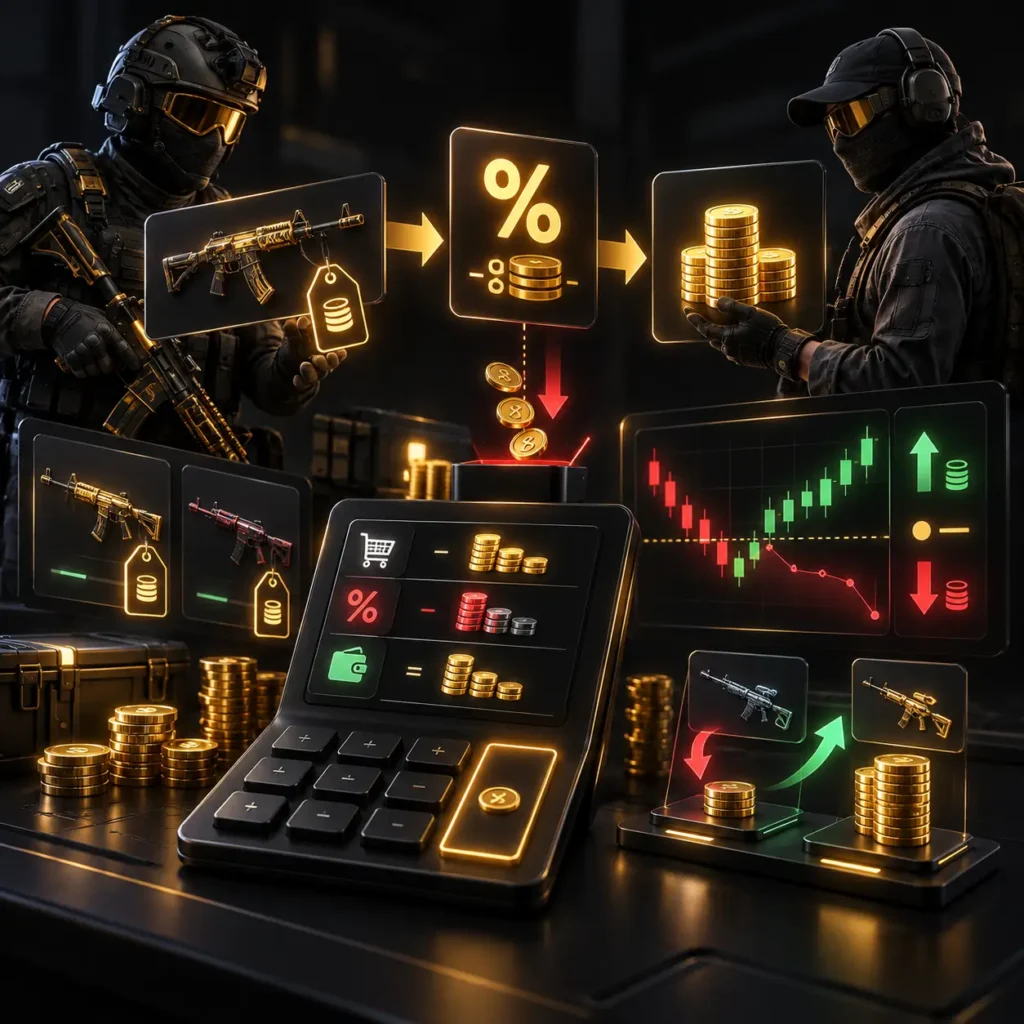
The sale fee, and what it really costs you
The fee comes out of the seller’s side. List at 10,000 and, at a 10% rate, 9,000 reaches your balance. Simple enough going one way — but it compounds in a way that catches people out when you are flipping, because you pay it on the sale and you paid full price on the buy.
| YOU BOUGHT AT | YOU SELL AT | FEE | YOU RECEIVE | RESULT |
|---|---|---|---|---|
| 10,000 | 10,000 | 1,000 | 9,000 | −1,000 |
| 10,000 | 11,112 | 1,111 | 10,001 | Break-even |
| 10,000 | 13,000 | 1,300 | 11,700 | +1,700 |
Worked at a 10% rate. Break-even is cost ÷ (1 − fee), which is why it lands above a flat +10% mark-up rather than on it.
That middle row is the one worth memorising. A flat 10% mark-up does not cover a 10% fee — you need roughly 11.1% to get back to level. Every calculator here takes the fee as an editable field rather than a constant, because a published rate is exactly the kind of number that changes quietly.
//- 05 - Inventory
What can and cannot be traded
Eligibility is a property of the item, not of your account. Most inventories contain far fewer tradable pieces than their owners expect.
The rule of thumb: cosmetics that arrived through randomised or seasonal distribution tend to be tradable, while anything tied to a purchase, an achievement, an esports programme or an account milestone tends not to be. Bundles bought outright, promotional rewards and anything marked as non-tradable in its item card stay where they are.
Weapon skins
[ Usually ]
Most traded category
Charms
[ Usually ]
High volume · low price
Headgear & uniforms
[ Mixed ]
Check the item card
Purchased bundles
[ Rarely ]
Usually locked
Tradable Item Checker
Four questions, and it names the specific rule blocking your item rather than shrugging at you.
Verdict
Every rule, checked
Formula
any "Blocks" → not listable
else any "Check" → confirm first
else             → likely listable
Example: an Alpha Pack drop owned 3 days against a 15-day hold returns "Check first" — nothing blocks it outright, but the hold has not elapsed.
A rules engine, not a database. It cannot see your inventory, and the in-game tradable marker always wins a disagreement.
Eligibility rules change between seasons and are stated in-game per item. Rather than publish a list that quietly goes stale, the tradable checker asks four questions and names the specific rule blocking your item.Tradable Checker.
//- 06 - Access
The four locks on the door
2FA is the one that catches people. It is not enough to have set it up once and forgotten it — it has to be currently active on the Ubisoft account the game is linked to, and a recent password change or a lost authenticator can silently switch it off. Level and standing account for most of the rest.
None of these are things this site can check for you, and none of them produce a helpful error message in-game. The Eligibility Checker walks the four conditions in order and tells you which one is your answer.
//- 07 - Platforms
PC, PlayStation and Xbox
The most-searched question about the Marketplace has an uncomfortable answer, and we would rather give it than dress it up.
The Marketplace launched on PC only. Console players share the same game, the same inventory and the same credits, but not the same access to the trading system. Console support has been discussed publicly by Ubisoft; a date has not been something we can point at an official source for.
So this site marks console availability as unconfirmed rather than “coming soon”. A soon that never arrives is worse than a plain no, and a fan site promising a launch window it cannot back is how misinformation starts.
| PLATFORM | MARKETPLACE | OWNS ITEMS | SPENDS CREDITS |
|---|---|---|---|
| PC | [✓]Available | [✓]Yes | [✓]Yes |
| PlayStation 5 | [X]Not at launch | [✓]Yes | [✓]Yes |
| PlayStation 4 | [X]Not at launch | [✓]Yes | [✓]Yes |
| Xbox Series X|S | [X]Not at launch | [✓]Yes | [✓]Yes |
| Xbox One | [X]Not at launch | [✓]Yes | [✓]Yes |
“Not at launch” is a statement about the release position, not a prediction. Verify against Ubisoft’s own channels before acting on it.
//- 08 - Buying
Placing a buy order without overpaying
The whole skill is choosing a ceiling. Everything after that is the book doing its job.
You have two routes. Take the lowest ask and you own the item now, at today’s price. Place a bid below it and you wait — possibly a long time — for a seller willing to come to you. Neither is wrong; they trade certainty against price.
The mistake worth avoiding is bidding against yourself. If the lowest ask is 8,400, a bid of 8,500 does not cost you 8,500 — it fills at 8,400. Raising a bid only matters when it crosses a resting ask, so a bid set to the ceiling you genuinely accept is strictly better than a nervous one set just under it.


//- 09 - Selling
Pricing through the fee, not around it
Sellers who set an asking price and then discover the fee have already lost the margin they were arguing over.
Work backwards. Decide the number you want to receive, then divide by one minus the fee rate to get the number you should ask. Want 9,000 in hand at a 10% fee? Ask 10,000. Want to clear a 10,000 cost basis? You need 11,112, not 11,000.
The second half of selling is the clock. An item you just acquired sits under a resale hold before it can be listed at all, and a listing that nobody takes expires rather than resting indefinitely. Both of those are dates, not vibes — the Cooldown Timer turns them into calendar days.
//- 10 - Prices
Why this site publishes no price ticker
The most-requested feature we have deliberately not built — and the reasoning is the whole point of the site.
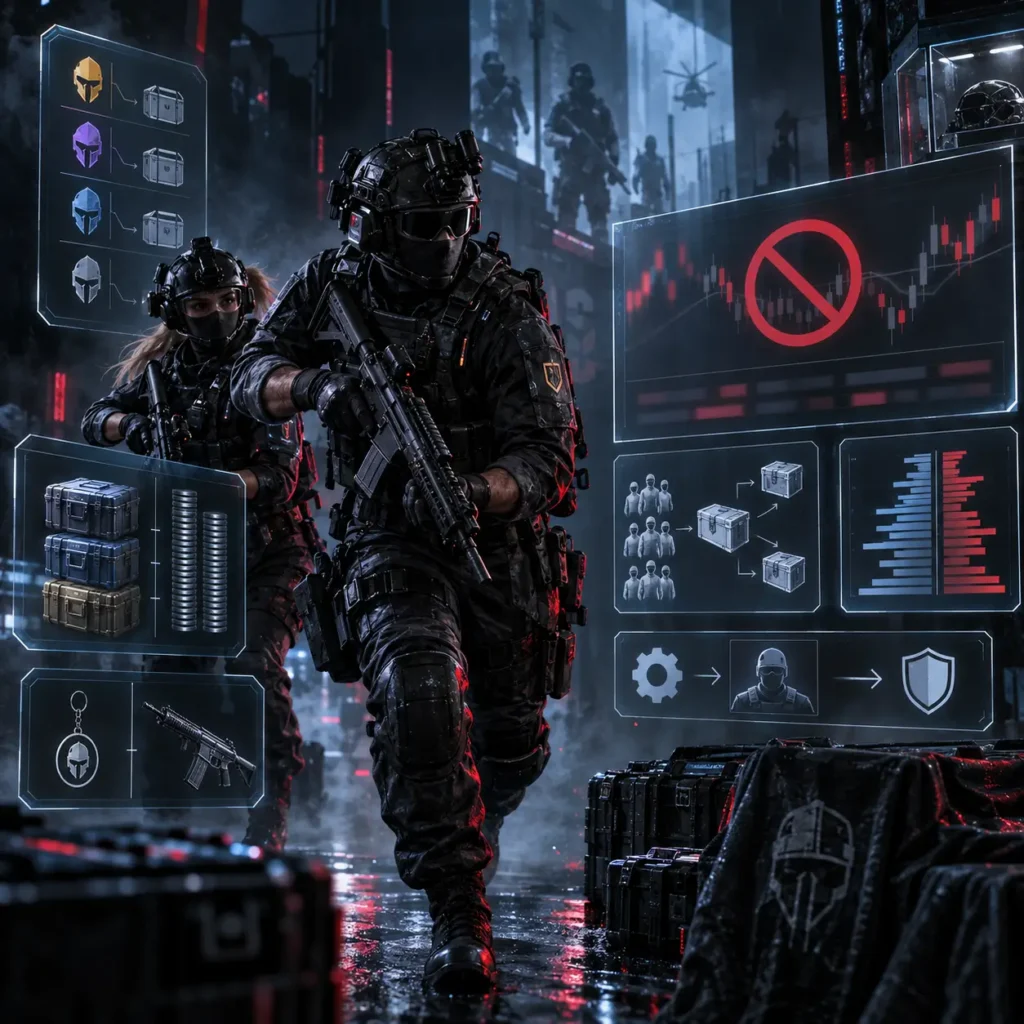
A price is only meaningful with three things attached: what item exactly, at what moment, and from what source. Strip any one of those away and the number becomes decoration. There is no public, checkable price feed for the R6 Marketplace, so a “live prices” table here would be a table of numbers we made up in a font that implies we did not.
What we publish instead is the part that stays true: what moves a price — rarity band, how the item was distributed, how many exist, whether it is universal or locked to one weapon, and how thin the book is on a given day. That framework survives every patch. A screenshot of Tuesday’s asking price does not.

//- 11 - Safety
Safe inside the system, exposed the moment you leave it
Every scam attached to the R6 Marketplace works by persuading you to do the trade somewhere else.
Inside the official Marketplace the item and the credits move together, atomically. There is no window in which one side has both. That is why nobody gets scammed by the Marketplace — they get scammed on Discord, on a lookalike site, or by someone who promises to “pay outside” for a better rate.
//- 12 - Roadmap
Safe inside the system, exposed the moment you leave it
Dates on this page are deliberately sparse. Where a claim needs one, it belongs on the updates trackerr, which states what has been verified and what has not — instead of a homepage banner that quietly goes stale.
//- 13 - Comparison
Marketplace, in-game shop, or a reseller
| FACTOR | R6 MARKETPLACE | IN-GAME SHOP | THIRD-PARTY RESELLER |
|---|---|---|---|
| Official | [✓]Yes | [✓]Yes | [X]No |
| Account risk | [✓]None | [✓]None | [X]Real |
| The specific item you want | [✓]Yes | [–]If rotated in | [–]Claimed |
| Price set by | Other players | Ubisoft | The seller |
| Fee | Seller pays ~10% | None | Opaque |
| Recourse if it goes wrong | [✓]Official support | [✓]Official support | [X]None |
Third-party resellers are outside Ubisoft’s terms. This row is descriptive, not a recommendation — see the Safety Guide.
//- 21 - Toolkit
Twenty-one calculators that show their work
Fee Calculator
[ Live ]
Gross price in, exact net out — plus profit, ROI and the break-even you actually need after the fee.