
You place your first order, the trade fills, and the credits that land are lower than the price you set — and nobody explains why. Or you bid 8,500 for a skin and somehow pay 8,400. If nobody has ever walked you through how trades work on r6 marketplace, the system feels like it is making up rules. It is not: there is a mechanism, and once you see it, every number makes sense.
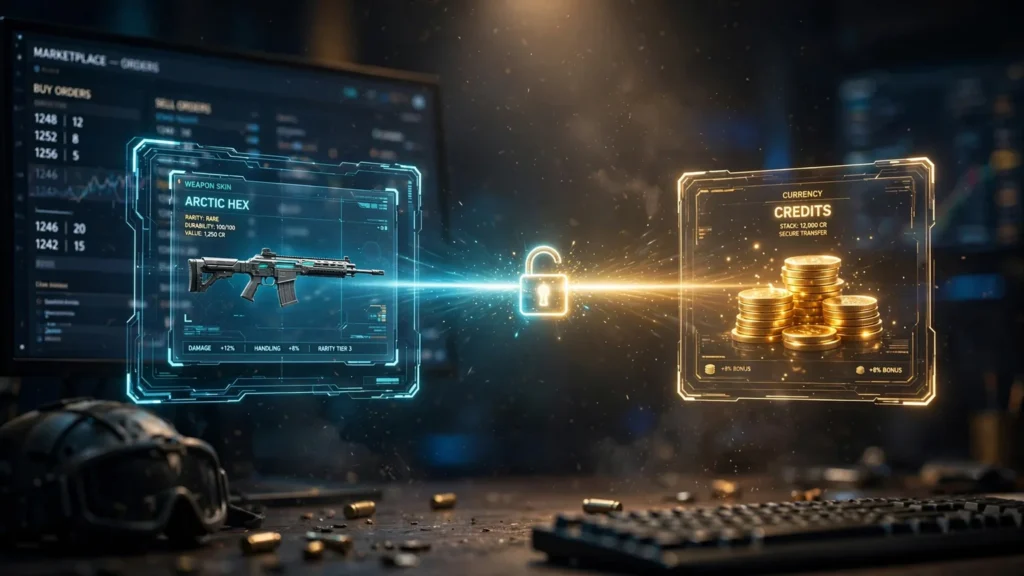
A trade here is not a swap between two players. You never hand an item to a stranger and hope they pay. Instead, you leave a standing instruction — an order — and Ubisoft’s system matches it against the opposite side. When the two sides meet, item and credits move at the same moment, and neither player learns who the other was.
Two forces shape every match: an order book that only trades when prices cross, and a fee that comes off the seller’s side when they do. One honest note first: Ubisoft currently lists the Marketplace as temporarily closed, with no reopening date announced. Read this as the full mechanism, ready for when trading opens again.
By the end of this guide, you will know what happens between clicking “place order” and the credits landing, why you can pay less than your maximum, and which fees and dates to plan around. If you cannot place orders yet, start with how to access the R6 Marketplace, then come back here before your first trade.
What a trade actually means on the R6 Marketplace
In most games, trading means two players exchanging items directly, each hoping the other keeps their word. The R6 Marketplace removes the other player: the system itself is your counterparty. When you buy, you do not choose a seller; when you sell, you never meet your buyer.
Because the system holds both sides, settlement is simultaneous — item and credits move in one transaction, so no player ever holds both goods and payment. That is why classic trading scams have nothing to grab onto inside the Marketplace; they all work by persuading you to step outside it. So “trade” here means exactly this: your order matched a stranger’s opposite order, and both sides settled together.
The order book: bids, asks and the spread
Every tradable item has an order book — two stacks of standing orders. A buy order, or bid, says “fill me at this price or better”; your price is a maximum, a ceiling you are protected by. A sell order, or ask, is the mirror image. The book keeps both stacks sorted, highest bid and lowest ask on top.
Nothing happens while the highest bid sits below the lowest ask. That gap is the spread, and a trade happens only when a new order crosses it. Our R6 order book explained guide goes deeper; day to day, the book decides when your trade happens and at what price.
R6 Credits: the only currency a trade can use
Every order, fill and fee is priced in R6 Credits — no cash, and no paying another player outside the system. Two consequences matter. Credits are sold in fixed packs, so the real-world cost of a trade depends on the pack you bought, not just the number on screen; our R6 Credits page breaks the packs down. And credits cannot be cashed out: sale earnings stay in the Siege economy, spendable on Marketplace purchases or the in-game shop. Treat every trade as reallocating what you own, not earning money.
Placing a buy order, step by step
Buying is a standing instruction, not a checkout — always the same three decisions:
Step 1: Find the item and read the book
Open the item’s Marketplace page and read the book first. The lowest current ask is what it costs right now; the highest bid shows what buyers are actually offering. Those two numbers frame every choice.
Step 2: Set your ceiling
Decide the most you are genuinely willing to pay, honestly. That number is a ceiling, not a target: you never pay more than it, and usually pay less.
Step 3: Place the order — fill now, or rest and wait
Place the order at your maximum. If it meets or crosses the lowest ask, it fills immediately at the ask’s price. If it sits below, your order rests until an ask drops to your price — or expires unfilled, nothing moved. You can also skip the wait and take the lowest ask outright. Our walkthrough of how to buy on R6 Marketplace covers the screens.
Placing a sell order, step by step
Selling is the mirror image, with the fee waiting at the end:
Step 1: Pick an item that can actually trade
Choose a tradable item from your inventory — and, if you acquired it recently, one past its 15-day resale hold. Eligibility belongs to the item, not your account, so check the item’s own card first.
Step 2: Read the book before you price
The lowest current ask is your competition; the highest bid is what you could get immediately by crossing the spread. Pricing blind is how items sit unsold for weeks.
Step 3: List it — and know what actually lands
Set your price and place the sell order; it rests in the book with every other listing. When a bid reaches it, the trade fills automatically — you confirm nothing, and never learn who bought it. What arrives is your price minus the seller fee, so do that maths first. The how to sell page covers the listing screens.
How matching works: why you fill at the resting price
One rule surprises every new trader: when your order crosses the spread, it fills at the price already resting in the book — the price the other side posted earlier — not at the price you typed. Your price is a limit, not a bill.
A worked example (illustrative numbers)
Say the lowest ask in the book is 8,400 credits and your maximum is 8,500. Your bid crosses the spread, the trade fills — and you pay 8,400. Your maximum protected you; it did not set the price.
| Your maximum bid | Lowest ask in the book | Result |
|---|---|---|
| 8,500 | 8,400 | Fills — you pay 8,400 |
| 8,400 | 8,400 | Fills — you pay 8,400 |
| 8,300 | 8,400 | No fill — your order rests in the book |
If you are buying
Bidding aggressively never overpays you — you always settle at the resting price — it only puts you first in line when a cheap ask appears. An honest bid at your real ceiling beats a nervous one parked just below it: both pay the same price, but only one can fill.
If you are selling
In reverse: drop your ask to the highest resting bid and you receive that bid’s price, not a credit more. Cross only for an immediate sale.
The moment a trade completes
When a fill happens, everything settles in the same moment:
- The item moves from the seller’s inventory to the buyer’s.
- The credits move from the buyer’s balance to the seller’s — minus the seller fee.
- The buyer’s item starts its 15-day resale hold.
- Both orders leave the book, filled.
No delivery window, no accept button, no returns — the buyer checks their inventory, the seller their balance. Our trading and orders page collects the order-side rules in one place.
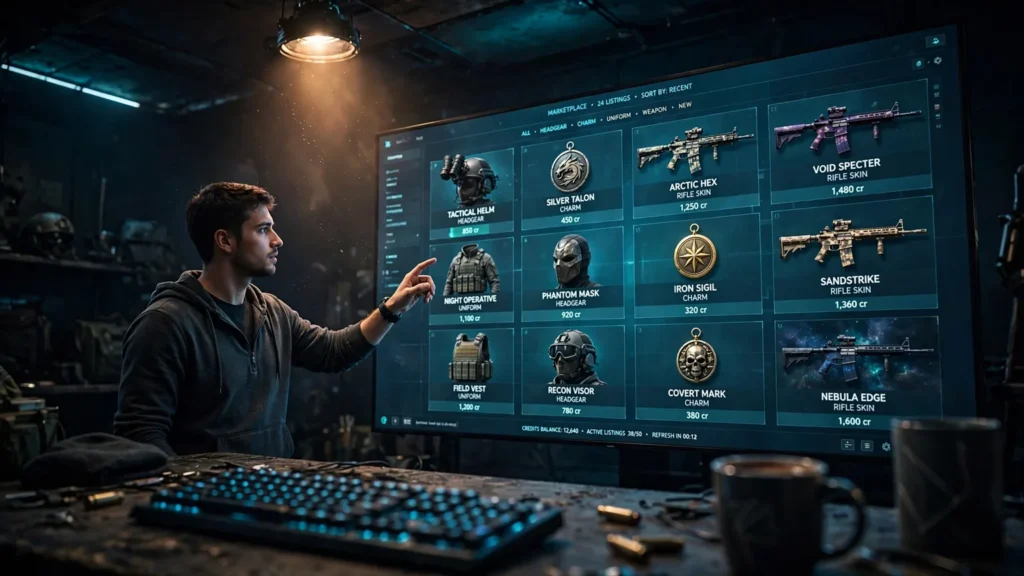
The 10% seller fee, taken at the moment of the sale
Every completed sale carries a fee on the seller’s side, reported at 10%. It is not charged when you list, and buyers never pay it — it comes off the sale price the moment the trade fills, before the credits reach your balance. It is the most misunderstood number in the system.
At the reported rate: list at 10,000, the fee takes 1,000, and 9,000 arrives; at 5,000 you receive 4,500; at 1,000, 900. Beware the round trip: buy at 10,000, sell at 11,000, and the fee leaves you 9,900. A flat 10% mark-up does not cover a 10% fee; break-even is roughly cost ÷ (1 − fee), about 11,112.
So price through the fee: decide what you want in hand, divide by 0.9, list at that. Our breakdown of the R6 Marketplace 10% fee runs the same maths across more prices.
The 15-day resale hold
An item you have just acquired cannot be relisted straight away: it sits under a 15-day resale hold, and only after that period can you list it. The hold belongs to the item and the date you got it, not your account; it applies however the item reached you, and it cannot be shortened. Most players never notice it, but active traders must count a two-week gap into every buy-low, sell-later plan. Our trade cooldown timer turns those dates into calendar days.
Order expiry: no order rests forever
Orders are not permanent. A sell listing nobody takes eventually expires; a buy order that never meets a seller does the same. Expiry is not a penalty, and nothing is lost:
- An expired sell order leaves the item yours, unsold, exactly as before.
- An expired buy order means no credits ever moved — unfilled orders are never charged.
Either way, you start again with a fresh order at a new price. Order lifetimes are shown when you place the order, and Ubisoft can change them, so trust the on-screen wording over any guide. An expiry is information: the market never agreed with your price.
Before you trade: access rules and tradable items
Who can place orders
Not every account can trade. Based on Ubisoft’s published requirements, you need:
- Account level 25 or higher in Siege.
- Two-factor authentication (2FA) currently active on your Ubisoft account — set up once and switched off since is not enough.
- An account in good standing.
- A web browser. The Marketplace is web-based, tied to your Ubisoft account rather than the game client, so console players trade through a browser just like PC players.
Rules change, so verify the current requirements on the official R6 Marketplace site before relying on them.
Which items can be traded
Eligibility belongs to the item, not to you. Cosmetics that arrived through randomised or seasonal distribution tend to be tradable; items tied to a purchase, a promotion, an esports programme or an account milestone tend not to be, and bundles bought outright usually cannot be split up and resold. Most inventories hold far fewer tradable pieces than expected, so check the item’s own card before planning a sale.
Common beginner mistakes
- Bidding against yourself. Raising your bid when nothing has changed does nothing — you pay the resting ask anyway. Set one honest ceiling.
- Pricing without the fee. Listing at the number you want to receive guarantees roughly 10% less. Divide by 0.9 first.
- Buying to flip immediately. The 15-day hold makes instant relisting impossible. If your plan needs a quick resale, the plan is wrong.
- Expecting to cash out. Proceeds arrive as credits and stay as credits. Anyone promising to convert them into money outside the system is running a scam.
- Assuming every item is tradable. Bundles, promotional items and esports items usually are not. Check the item card first.
- Taking the trade outside. Simultaneous settlement and zero contact only protect you inside the system. Move the deal elsewhere and you are on your own.
How Trades Work on R6 Marketplace: FAQs
Do I trade directly with another player?
No. The system matches your order against a stranger’s order. You never choose, contact or learn who the other side is, and the item and credits move together at the fill.
Why did I pay less than the maximum I set?
Because trades fill at the price already resting in the book. Your maximum is a ceiling, not the price you pay: lowest ask 8,400, your maximum 8,500 — you pay 8,400.
When is the 10% fee charged, and who pays it?
The seller pays it, once, at the moment the sale completes. It comes off the sale price before the credits arrive — list at 10,000 and, at the reported 10% rate, 9,000 lands in your balance.
Can I resell an item as soon as I buy it?
No. A newly acquired item carries a 15-day resale hold: usable in game straight away, but not listable until the hold passes.
Can I withdraw my R6 Credits as real money?
No. Credits from sales stay in the Siege economy, spendable on Marketplace purchases or the in-game shop — never withdrawable as money.
Final Thoughts
Once you see the order book, the Marketplace stops feeling mysterious: you set a ceiling or an asking price, the system waits for the other side to cross it, and settlement happens in a single moment, fee already taken. It may be sitting closed right now, but the mechanism is not going to change — learn it once, know it for good.
When trading opens again, start small: one cheap item, one honest ceiling, and watch what lands in your balance. That one trade teaches you more than any guide — and everything else here starts from our homepage.